
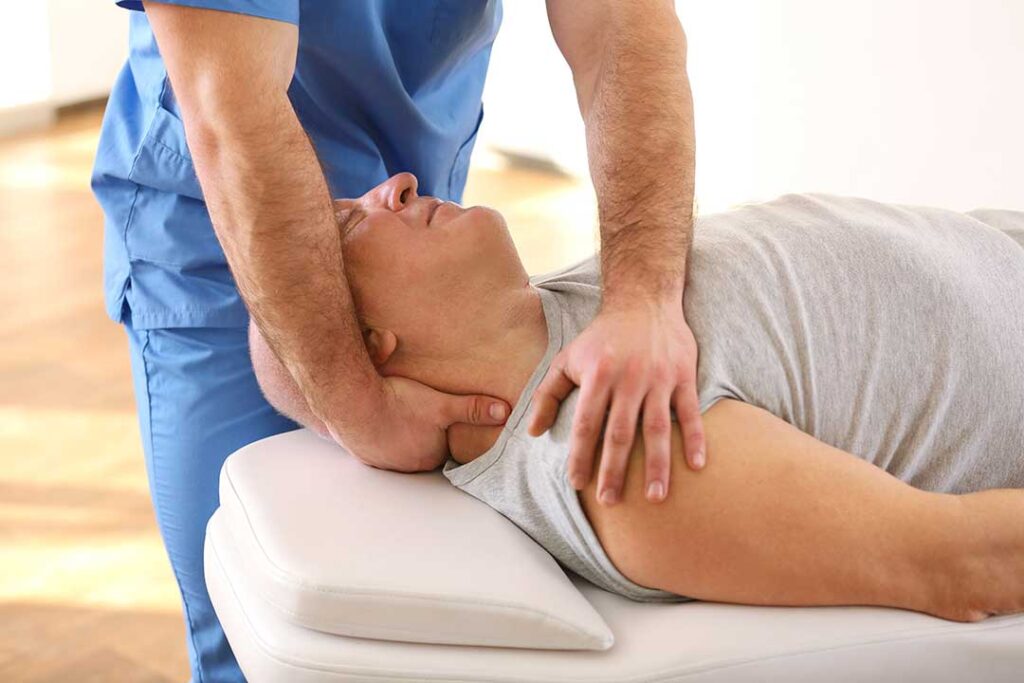
Office work can place steady stress on the neck, shoulders, back, wrists, and hips, especially when long periods of sitting are combined with laptop use, commuting, or working from a small home workspace. In Lynbrook, NY, practical changes to desk setup and daily movement can help reduce strain without requiring complicated equipment.
What office posture is most likely to cause discomfort?
The most problematic posture is usually not a single “bad” position but staying in one position for too long. A rounded upper back, forward head position, raised shoulders, or unsupported lower back may become uncomfortable when maintained for hours.
A balanced sitting position generally includes:
- Feet resting flat on the floor or on a stable footrest
- Knees near hip level, with enough space behind them
- Hips positioned toward the back of the chair
- Shoulders relaxed rather than lifted toward the ears
- Elbows close to the body and bent at roughly a right angle
- The top of the computer screen near eye level
- The head aligned over the shoulders instead of reaching forward
These guidelines are starting points, not rigid rules. People vary in height, flexibility, vision needs, and work responsibilities. Comfort and the ability to change positions matter more than holding a perfectly fixed posture.
How should a desk and monitor be arranged?
The monitor should be directly in front of the user, not angled far to one side. Positioning the screen too low often encourages the head and neck to bend forward. Positioning it too high may cause the chin to lift and the neck to tighten.
For a typical desk setup:
- Place the screen about an arm’s length away, adjusting for text size and visual comfort.
- Keep the keyboard close enough that the elbows remain near the sides.
- Use a separate keyboard and mouse if a laptop is the primary computer.
- Keep frequently used items within easy reach.
- Avoid cradling a phone between the ear and shoulder.
- Use a headset or speaker function during longer calls.
A laptop placed directly on a desk often creates a compromise: the screen is too low for the neck, while raising the laptop makes the keyboard awkward for the hands. A separate keyboard and mouse allow the screen to be elevated while keeping the arms in a more comfortable position.
How often should office workers stand or move?
Brief, frequent movement is usually more useful than waiting for one long exercise session at the end of the day. A practical goal is to change position every 20 to 30 minutes, even if the movement lasts only one or two minutes.
Helpful options include:
- Standing during a phone call
- Walking to refill water
- Taking the longer route to another room
- Performing a few shoulder rolls
- Extending the knees and moving the ankles while seated
- Changing between sitting and standing when possible
- Looking away from the screen regularly to relax the eyes and neck
Movement should be gentle and controlled. Stretching into sharp pain, numbness, or a strong pulling sensation is not useful. The purpose of a movement break is to restore variety, not to force the body into an extreme position.
Which stretches can help after desk work?
Simple mobility exercises may relieve mild stiffness when performed comfortably. They should not produce sharp pain, tingling, weakness, dizziness, or symptoms that travel down an arm or leg.
A short routine may include:
1. Chin retraction: Sit tall and gently draw the head backward, as though making a small double chin. Hold for a few seconds and relax.
2. Shoulder blade movement: Slowly draw the shoulder blades down and slightly together, then release.
3. Chest opening: Place the forearms on a doorway or clasp the hands behind the body only if comfortable. Avoid forcing the shoulders.
4. Seated hip movement: Stand up, take a few steps, and gently extend the hips rather than remaining folded at the waist.
5. Ankle and calf motion: Move the ankles through a comfortable range and perform a few slow calf raises while holding a stable surface.
Two or three minutes of movement several times during the workday may be easier to maintain than a demanding routine performed rarely.
Can a standing desk prevent back or neck pain?
A standing desk is not automatically better than sitting. Standing in one position for several hours can fatigue the feet, legs, hips, and lower back. The main benefit comes from alternating positions and adjusting the desk to the individual.
When standing:
- Keep the screen at a comfortable viewing height.
- Avoid locking the knees.
- Distribute weight between both feet.
- Change foot position regularly.
- Use a supportive, stable surface rather than standing rigidly.
- Alternate sitting and standing before significant fatigue develops.
People working from home may spend long periods at kitchen counters, couches, or improvised tables. These locations can work temporarily, but they often place the screen too low or leave the arms unsupported. A small adjustment in screen height, chair support, or keyboard position can make the arrangement more sustainable.
How do commuting and winter conditions affect office discomfort?
Daily travel can add to the effects of desk work. Sitting in a car, train, or bus after several hours at a computer may keep the hips and back in a shortened position. Carrying a heavy bag on one shoulder can also contribute to uneven shoulder tension.
During colder months, people may move less, spend more time indoors, and notice greater stiffness after sitting. Cold outdoor temperatures do not directly cause most office-related pain, but reduced activity and prolonged indoor sitting can make existing discomfort more noticeable. Short indoor walking breaks, regular clothing changes, and gentle warm-up movements may help maintain mobility.
A work bag should be light enough to carry comfortably. If a laptop and other items are necessary, switching sides, using both shoulder straps, or using a small wheeled option may reduce one-sided loading.
When is office-related pain a reason to seek medical evaluation?
Mild stiffness that improves with movement is often manageable with workstation changes and activity breaks. Symptoms deserve medical attention when they are severe, persistent, worsening, or associated with neurological changes.
Prompt evaluation is appropriate for:
- Numbness, tingling, or weakness in an arm or leg
- Pain that travels down an arm or leg
- Loss of balance or coordination
- Severe pain after a fall, collision, or other injury
- New loss of bladder or bowel control
- Fever, unexplained weight loss, or feeling unusually unwell
- Pain that repeatedly interrupts sleep or prevents normal activity
A sudden, severe headache with neurological symptoms, chest pain, shortness of breath, or other emergency warning signs requires urgent medical care rather than a stretching routine.
What is the most useful daily habit for desk workers?
The most useful habit is to avoid remaining still for long uninterrupted periods. An ergonomic chair cannot compensate fully for eight hours of limited movement, and perfect posture is not realistic throughout an entire workday.
A sustainable routine combines a reasonably adjusted workstation, regular position changes, light strengthening or mobility work, and attention to early warning signs. For local residents working in offices, apartments, or shared home spaces, the goal is not to create a perfect setup. It is to make the healthier position easier to maintain and to give the body frequent opportunities to move.
