

Office work can place prolonged demands on the neck, shoulders, wrists, hips, and lower back. For residents of Lynbrook, NY, long commutes, remote work at kitchen tables, and extended screen time can add to those stresses. A few practical workstation changes and regular movement breaks may help reduce discomfort and make daily computer use more manageable.
Why does desk work cause neck and back discomfort?
Sitting itself is not automatically harmful, but staying in one position for hours can fatigue the muscles that support the spine. Problems often arise when the head is held forward, the shoulders remain raised, the lower back is unsupported, or the keyboard and mouse are positioned too far away.
Common contributors include:
- Looking down at a laptop for long periods
- Reaching forward for a mouse
- Sitting with the feet unsupported
- Working from a couch or soft chair
- Twisting to view a second monitor
- Holding a phone between the ear and shoulder
- Skipping breaks during focused tasks
Discomfort may begin as stiffness or muscle fatigue. If the same positions continue day after day, symptoms can become more persistent and may affect sleep, concentration, or normal activity.
How should an office workstation be arranged?
A comfortable setup keeps the head, trunk, arms, and wrists in relatively neutral positions. The goal is not rigidly perfect posture; it is to reduce prolonged bending, reaching, and twisting.
Start with the chair:
- Keep both feet supported on the floor or on a footrest.
- Adjust the seat so the knees are near hip level or slightly lower.
- Use the backrest rather than leaning forward continuously.
- Leave enough space behind the knees to avoid pressure.
- Keep the shoulders relaxed instead of lifting them toward the ears.
The monitor should be directly in front of the body rather than angled to one side. The top of the screen should generally be at or slightly below eye level, allowing the eyes to look modestly downward without bending the neck. The screen should be close enough that reading does not require leaning forward.
The keyboard and mouse should be near the body. Elbows should remain close to the sides and bent comfortably, usually around a right angle. Wrists should stay relatively straight rather than bent upward, downward, or sideways. If a desk is too high, raising the chair may help, but the feet should still be supported.
What should laptop users do differently?
A laptop combines the screen and keyboard, so placing it at a comfortable height for one often makes the other uncomfortable. Using a laptop directly on a desk commonly forces the neck downward. Raising the screen while keeping the keyboard low can improve neck position, but an external keyboard and mouse may be needed.
For people who work from a laptop at home, a practical arrangement may include:
- A stable stand or riser for the screen
- A separate keyboard and mouse
- A chair that supports the lower back
- A firm surface rather than a bed or couch
- Adequate lighting to prevent leaning toward the display
Temporary work areas are common in area households, especially during remote-work days or school breaks. Even a short-term setup should allow the worker to change position and stand regularly.
How often should office workers move?
Short, frequent movement breaks are generally more useful than waiting for one long break at the end of the day. A brief change in position every hour can help reduce stiffness and discomfort associated with prolonged computer work.
Movement does not need to be elaborate. A break may involve:
- Standing while reviewing a non-urgent message
- Walking to another room
- Gently rolling the shoulders
- Extending the hips and upper back
- Changing from sitting to standing
- Looking away from the screen for a short period
- Refilling water or completing another brief task
The purpose is to interrupt static posture, not to force a painful stretch. Movement should feel easy and controlled. Bouncing, aggressive neck stretching, or repeatedly cracking the neck is not necessary for a healthy workstation routine.
Which exercises are reasonable during the workday?
Gentle exercises may help office workers maintain mobility, but they should not be used to push through sharp or radiating pain. Examples include:
Chin retraction: Sit upright and draw the head gently backward, as if making a small double chin. Do not look up or down. Hold briefly, then relax.
Shoulder blade setting: Let the shoulders drop, then gently draw the shoulder blades slightly back and down. Avoid squeezing forcefully.
Upper-back extension: With the hands resting behind the head or across the chest, gently lift the chest while keeping the lower back comfortable.
Hip movement: Stand and take a few slow steps, or perform controlled sit-to-stand movements from a stable chair.
Wrist and forearm mobility: Open and close the hands, rotate the forearms, and gently move the wrists through a comfortable range.
These activities are intended to reduce stiffness and encourage movement variety. They do not diagnose or treat every cause of back or neck pain.
Can chiropractic care help with office-related discomfort?
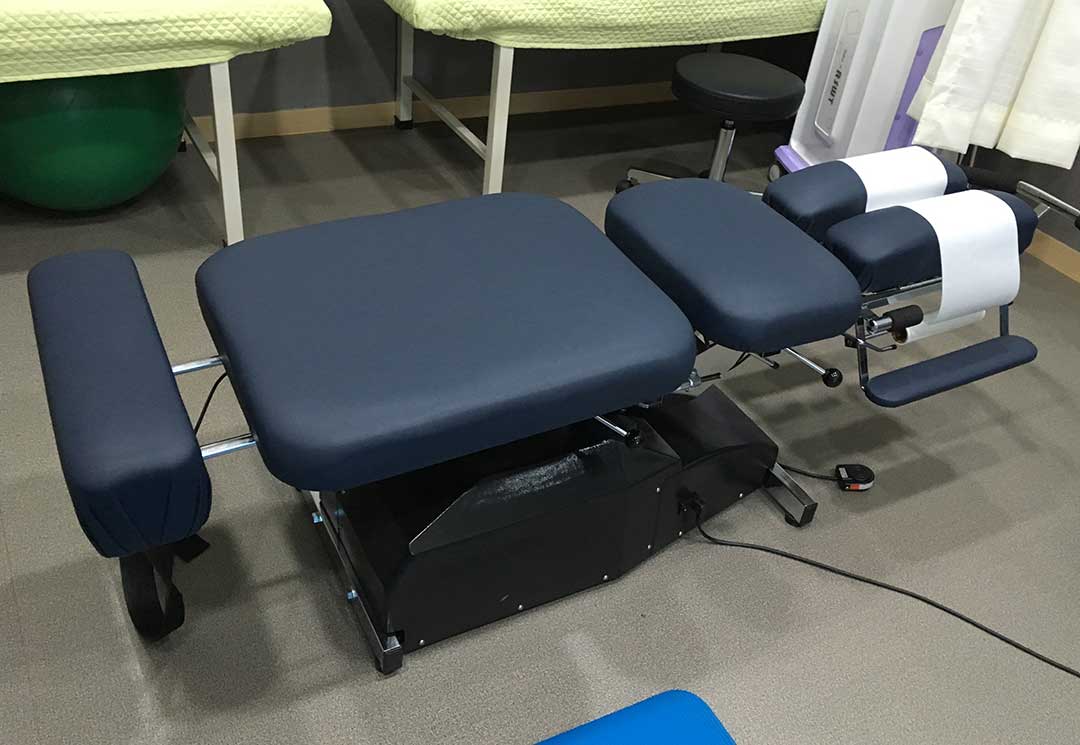
Chiropractic care may be used as part of a broader approach to certain musculoskeletal problems, including some types of mechanical neck or back discomfort. Assessment should consider the location, duration, severity, and pattern of symptoms rather than assuming that poor posture is the only cause.
A useful evaluation may also include discussion of workstation habits, lifting, sleep position, physical activity, previous injuries, and symptoms that travel into the arms or legs. Any treatment plan should be understandable, proportionate to the problem, and combined with practical self-management when appropriate.
Office discomfort is not always caused by a spinal joint or muscle. Nerve irritation, arthritis, tendon problems, inflammatory conditions, and other health concerns can produce similar symptoms. A person should not rely on repeated adjustments or exercises without reassessing symptoms if the problem is worsening or failing to improve.
When should back or neck pain be evaluated promptly?
Seek prompt medical attention for pain associated with new or worsening weakness, significant numbness, loss of coordination, fever, unexplained weight loss, a serious injury, or new bowel or bladder changes. Severe pain that travels down an arm or leg, especially when accompanied by weakness, also deserves timely evaluation.
For less urgent discomfort, an evaluation is reasonable when symptoms persist, repeatedly return, interfere with work or sleep, or limit ordinary activities. The need for assessment depends on the full pattern rather than the number of days alone.
A well-arranged workstation cannot prevent every injury, but it can reduce avoidable strain. The most reliable routine combines a supportive setup, frequent changes in position, manageable exercise, and attention to symptoms that do not behave like ordinary muscle fatigue.
