

Office work can place steady stress on the neck, shoulders, back, wrists, and hips. The discomfort often develops gradually rather than from one obvious injury. Long periods of sitting, repeated computer use, limited movement, and poorly adjusted workstations can all contribute.
For office workers in Lynbrook, NY, practical daily changes can help reduce strain and make it easier to notice problems before they interfere with sleep, commuting, exercise, or household responsibilities.
What is the most common cause of office-related back and neck discomfort?
The most common cause is usually a combination of prolonged stillness and awkward positioning rather than a single posture mistake. Sitting for several hours reduces movement through the spine and hips, while reaching toward a keyboard, looking down at a laptop, or holding a phone between the shoulder and ear can overload certain muscles.
A helpful goal is not to maintain one “perfect” posture all day. Instead, aim to change positions regularly and keep frequently used equipment close enough that the body does not have to reach, twist, or bend repeatedly.
Common contributors include:
- Sitting without standing or walking breaks
- A monitor positioned too high, too low, or too far away
- A laptop used without an external keyboard for long periods
- Feet unsupported by the floor or a footrest
- A chair that encourages slouching or leaning to one side
- Repeated mouse use with the wrist bent
- Working from couches, beds, or kitchen surfaces that were not designed for extended desk work
How should a desk be set up?
A desk should allow the head, neck, arms, and legs to remain relaxed while the worker looks straight ahead. The setup does not need to be expensive; adjustment and consistency matter more than appearance.
Start with the chair. The hips should be level with or slightly higher than the knees, and both feet should rest comfortably on the floor or on a stable footrest. The lower back should have gentle support, but the worker should not feel pushed sharply forward.
The keyboard and mouse should be close to the body. Elbows can remain near the sides, with the forearms roughly parallel to the floor. Wrists should stay relatively straight rather than bent upward or angled toward the little finger.
The top portion of the monitor is often most comfortable near eye level, although the ideal height varies. A person who wears bifocals or progressives may prefer the screen slightly lower to avoid tilting the head backward. The monitor should be close enough to read without leaning forward.
A laptop used for more than brief periods is easier on the neck when raised on a stand or sturdy platform and paired with a separate keyboard and mouse.
How often should office workers move?
Brief, frequent movement is generally more useful than relying on one long stretch at the end of the workday. A short change in position every 30 to 60 minutes can reduce the effects of prolonged sitting.
Movement does not need to interrupt work significantly. Examples include:
- Standing while reading a short message
- Walking during a phone call when practical
- Performing a few shoulder rolls between tasks
- Stretching the calves while waiting for a document or meeting to begin
- Changing from sitting to standing for part of a meeting
- Taking a brief walk through the home or office
A movement break should feel restorative rather than exhausting. If a stretch causes sharp pain, tingling, numbness, or increasing symptoms, stop that movement.
Which stretches and exercises are useful at a desk?
Gentle mobility exercises can help counter the fixed positions used during computer work. They should be performed slowly, without bouncing or forcing a joint beyond a comfortable range.
Useful options include:
- Chin retraction: Sit upright and gently draw the head backward without looking up. Hold briefly, then relax.
- Shoulder blade movement: Roll the shoulders up, back, and down, then reverse the direction.
- Chest opening: Place the hands lightly behind the head or along the sides of a doorway and gently open the chest.
- Hip movement: Stand and alternate lifting one knee at a time without leaning backward.
- Calf stretching: Place one foot behind the other, keep the rear heel down, and lean forward slightly.
- Walking: A few minutes of easy walking can restore movement to the hips, knees, ankles, and spine.
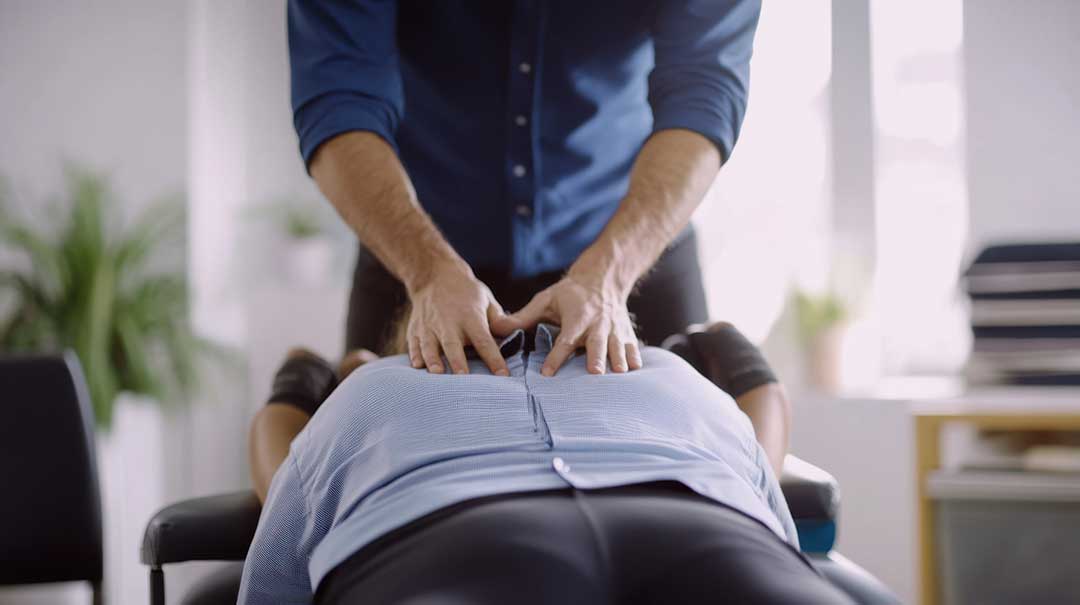
These activities are not a substitute for individualized care when symptoms persist. They are general movement strategies for people without a condition that limits exercise.
Can a standing desk prevent back pain?
A standing desk is not a complete solution, and standing in one position for hours can create discomfort in the feet, calves, hips, and lower back. The main benefit comes from alternating positions rather than replacing sitting with uninterrupted standing.
When standing, keep the monitor and keyboard at suitable heights, avoid locking the knees, and shift weight between the legs. A small footrest can allow one foot to rest slightly higher for short periods. Supportive footwear may also be helpful, particularly on hard floors.
The same principle applies to people working from home. A kitchen counter, sofa, or bed may seem convenient, but these surfaces often place the screen and arms at awkward heights. A stable table and adjustable chair are usually easier to adapt.
What should office workers know about phones and tablets?
Phones and tablets can increase neck strain because they are commonly held below eye level. Looking downward for extended periods may cause the head to remain forward of the shoulders, increasing the demand on the neck muscles.
To reduce strain:
- Raise the device closer to eye level when reading
- Use a headset or speaker function for longer calls
- Avoid cradling the phone between the ear and shoulder
- Alternate hands during short tasks
- Take breaks from texting and scrolling
- Use voice-to-text when repeated typing causes hand or wrist discomfort
Reading in bed or on a couch may be especially tiring because the body tends to curl forward and the arms lack support.
When is office-related pain a reason to seek medical evaluation?
Mild stiffness that improves with movement is often manageable with workstation changes and regular activity. Evaluation is more appropriate when symptoms are persistent, worsening, or interfering with normal activities.
Prompt medical attention is warranted for back or neck pain accompanied by significant weakness, loss of coordination, unexplained fever, major injury, or new problems with bladder or bowel control. Numbness that spreads into an arm or leg, severe pain after a fall, or symptoms that repeatedly wake a person should also be taken seriously.
A chiropractor, physician, physical therapist, or other qualified clinician may assess movement, strength, nerve function, and contributing factors. The appropriate type of care depends on the symptoms and health history rather than on the job title alone.
How can seasonal routines affect desk discomfort in the local community?
Work routines may change during colder months, school breaks, severe weather, or periods of working from home. More time indoors can mean fewer walking breaks and longer stretches at improvised workstations. Commuting changes can also reduce daily movement that normally occurs while walking to transportation or between buildings.
Keeping a basic movement routine throughout the year can help: brief walks, regular position changes, and a workstation that remains properly adjusted even during temporary home-based work. The objective is steady, comfortable movement rather than forcing the body into a rigid posture.
