

Working from home can make posture harder to manage because dining chairs, couches, laptops, and improvised desks often replace a properly arranged workstation. In Lynbrook, NY, many residents balance remote work with limited space, shared rooms, and household routines that make it easy to work from less-than-ideal positions.
Good posture is not about holding the body rigidly all day. It is about arranging the workspace so the head, spine, arms, hips, and legs are supported comfortably, then changing positions regularly.
What does good posture look like while working?
Good working posture allows the spine to stay near its natural curves without excessive rounding, twisting, or leaning. The goal is comfort, balance, and freedom to move rather than a perfectly straight back.
A useful setup usually includes:
- The head balanced over the shoulders instead of pushed forward.
- The shoulders relaxed rather than lifted or rounded.
- The elbows close to the body, usually bent at roughly a right angle.
- The wrists in a neutral position instead of sharply bent.
- The lower back supported by the chair or a small cushion.
- The hips level with or slightly higher than the knees.
- Both feet supported by the floor or a stable footrest.
- The screen positioned so the eyes look generally forward rather than sharply downward.
These guidelines are useful, but they should not be treated as strict measurements. A position that feels comfortable for a short period may become uncomfortable if maintained for several hours.
Why does laptop work often cause neck and shoulder discomfort?
Laptop screens and keyboards are attached to one another, which creates a positioning problem. If the screen is raised to eye level, the keyboard may be too high for comfortable typing. If the keyboard is placed at a good height, the screen is often too low, causing the head and neck to bend forward.
For longer work sessions, raise the laptop screen with a stable stand or a stack of sturdy books and use a separate keyboard and mouse. The top portion of the screen should be near eye level, with the screen close enough that text can be read without leaning forward.
If separate equipment is not available, alternate between laptop work and other tasks rather than remaining in the same position for hours. Increasing text size can also reduce the tendency to move the face closer to the screen.
How should a home workstation be arranged?
Start with the chair and desk rather than the monitor. Sit fully back in the chair and adjust the height so the feet are supported and the shoulders can remain relaxed while typing.
The work surface should allow the elbows to stay near the sides without reaching upward. If the desk is too high, raising the chair may help, but the feet must still be supported. A stable footrest, a firm box, or another non-slippery surface can help maintain comfort.
Keep frequently used items within easy reach. Repeatedly twisting to pick up a phone, notebook, or document can add strain even when the main sitting position appears correct.
For people working at a kitchen or dining table, a folded towel or small cushion may improve chair support. However, soft couches and beds are usually poor choices for extended computer work because they encourage rounding through the spine and make it difficult to position the screen correctly.
How often should someone take posture breaks?
Changing position every 20 to 30 minutes is generally more useful than trying to maintain one “perfect” posture for an entire morning. A brief movement break can include standing, walking to another room, shifting the hips, or gently rolling the shoulders.
A practical rhythm is:
- Look away from the screen periodically to relax the eyes and reduce forward leaning.
- Stand during phone calls when possible.
- Walk briefly between meetings or work tasks.
- Change the angle of the chair back instead of sitting rigidly upright.
- Perform a few comfortable movements before returning to the keyboard.
Breaks do not need to be long to be useful. Frequent changes in position may reduce the buildup of stiffness in the neck, upper back, lower back, and hips.
Which exercises can help counter desk posture?
Simple movements can help restore motion after sitting. They should feel controlled and comfortable, not forceful or painful.
Useful options include:
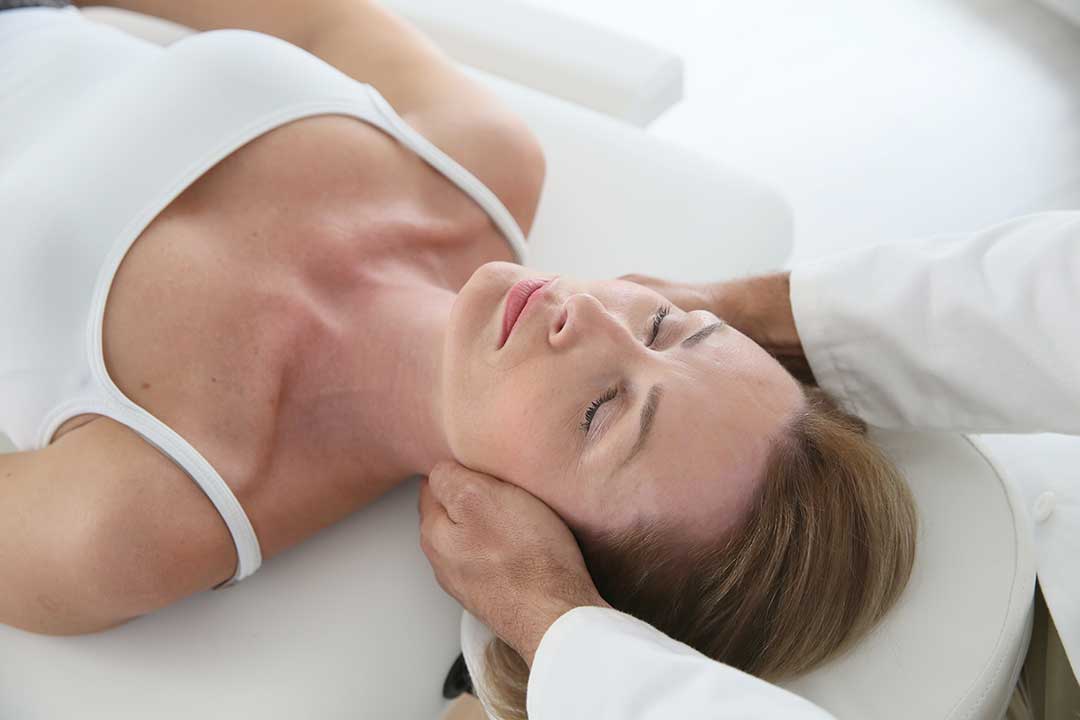
Chin retraction
Sit or stand tall and gently draw the head backward, as if making a small double chin. Avoid looking up or down. Hold briefly, then relax. This encourages awareness of the head’s position over the shoulders.
Shoulder blade movement
Let the arms rest by the sides. Gently draw the shoulder blades slightly backward and downward without shrugging. Hold for a few seconds, then release.
Chest opening
Place the hands loosely behind the back or rest the forearms against a doorway. Gently open the front of the chest while keeping the ribs relaxed. Do not force the shoulders into a painful stretch.
Upper-back rotation
While seated, cross the arms over the chest and slowly rotate the upper body to one side, then the other. Keep the movement comfortable and avoid twisting through the lower back.
Hip and ankle movement
Stand up, walk briefly, or perform gentle ankle pumps. Moving the hips and legs can reduce the stiffness that develops during long periods of sitting.
Exercise should complement workstation changes rather than replace them. If a movement increases pain, numbness, tingling, dizziness, or weakness, stop performing it.
Can standing desks improve posture?
A standing desk is not automatically better than sitting. Standing in one fixed position for a long time can create discomfort in the feet, legs, hips, or lower back. The main benefit of an adjustable setup is the ability to alternate between sitting and standing.
When standing, keep the screen near eye level, allow the elbows to remain close to the body, and avoid locking the knees. Shift weight between the feet and take walking breaks instead of remaining stationary.
People living in apartments, shared homes, or smaller residences may not have room for a full standing desk. A stable raised work surface can provide some flexibility, but it must be secure and should not create a risk of the computer falling.
What household habits can make posture worse?
Remote work posture is often affected by routines outside formal work hours. Checking messages from bed, using a laptop on the couch, and carrying a phone between the shoulder and ear can all contribute to awkward positions.
Seasonal habits may also matter. During colder months, residents may work closer to heaters, windows, or drafty areas and remain wrapped in bulky clothing. This can restrict movement and encourage a hunched position. A comfortable room temperature, adequate lighting, and a clear walking path can make it easier to change positions regularly.
The body also responds to workload. Tight deadlines may lead to unconscious shoulder lifting, jaw clenching, breath-holding, or leaning toward the screen. Brief pauses to relax the hands, lower the shoulders, and take a slow breath can interrupt that pattern.
When should posture-related discomfort be evaluated?
Mild stiffness that improves with movement is often manageable through workstation adjustments and regular breaks. Persistent or worsening symptoms deserve more attention, especially if discomfort interferes with sleep, walking, lifting, or ordinary household activities.
Seek prompt medical evaluation for back or neck symptoms accompanied by significant weakness, loss of coordination, numbness that spreads, loss of bladder or bowel control, fever, unexplained weight loss, or pain following a serious injury.
For recurring but less urgent discomfort, keeping a short record can be helpful. Note when symptoms begin, which activities worsen them, whether movement helps, and whether symptoms affect the arms or legs. This information can help guide an appropriate evaluation and identify patterns in the home work routine.
Better posture usually comes from a combination of sensible equipment placement, frequent movement, and attention to early signs of strain. A workstation does not need to be expensive or elaborate; it needs to support comfortable positioning and make it easy to change positions throughout the day.
