

Why can prolonged screen use lead to back pain?
Long periods of screen use can contribute to back pain because the body stays in one position while the muscles of the neck, shoulders, spine, and hips work continuously to maintain balance. The problem is usually not a single “bad” posture. It is the combination of limited movement, poorly arranged equipment, and repeated daily habits.
Looking down at a phone, leaning toward a laptop, or sitting on a soft couch can gradually increase strain. As the head moves forward, the muscles around the upper back and neck must work harder. A rounded lower back and unsupported hips can add discomfort around the waist, buttocks, or pelvis.
Screen-related pain may feel like:
- Aching across the upper or lower back
- Tightness in the shoulders or neck
- Stiffness after sitting or standing up
- Headaches linked with neck tension
- Tingling or discomfort that travels into an arm or leg
Not every back problem is caused by screen use, but extended sitting can aggravate an existing condition.
How often should a person move during screen time?
Changing position every 20 to 30 minutes is more useful than trying to hold a perfect posture for hours. A brief movement break can include standing, walking across the room, rolling the shoulders, or gently extending the upper back.
A practical routine is to:
- Stand during a phone call
- Walk while listening to an audio meeting when possible
- Set a quiet reminder to change position
- Alternate between sitting and standing
- Take a longer movement break at least once each hour
The goal is not to avoid sitting completely. It is to prevent the spine and surrounding muscles from remaining still for too long. Even a minute or two of movement can interrupt the cycle of stiffness.
For area households, this can be especially useful during colder months when more work, school, and entertainment take place indoors. A short walk through the home or a few gentle movements near a desk can help maintain variety without requiring special equipment.
What is the healthiest desk setup for back comfort?
A comfortable workstation allows the head, ribs, pelvis, and feet to remain reasonably aligned without forcing the body into a rigid position. Equipment should be adjusted to fit the person rather than expecting the person to adapt to an awkward setup.
Helpful adjustments include:
- Place the top portion of a monitor near eye level.
- Keep the screen directly in front of the body.
- Position the screen close enough to avoid leaning forward.
- Keep both feet supported on the floor or a stable footrest.
- Let the elbows rest near the sides with the forearms supported.
- Use a chair that supports the lower back without forcing an exaggerated curve.
- Keep frequently used items within easy reach.
A laptop often creates a compromise: raising the screen may improve neck position while making the keyboard harder to use. If a laptop is used for several hours, a separate keyboard and pointing device can allow the screen to be raised while keeping the arms relaxed.
The chair does not need to be expensive. A folded towel behind the lower back, a cushion under the hips, or a small foot support may improve comfort if used carefully.
Is phone use also connected with back and neck pain?
Yes. Phone use can place the neck in a prolonged downward position and may also cause one-sided shoulder tension when the device is held between the ear and shoulder. Looking down for short periods is generally not harmful, but repeating the position for long stretches can increase soreness.
Try holding the phone closer to eye level and using both hands for longer messages. Voice-to-text or audio features can reduce the time spent looking down. Avoid using a phone while lying twisted on a couch or in bed, since that position can strain the neck, ribs, and lower back at the same time.
Children and teenagers may need reminders to change positions because schoolwork, gaming, messaging, and entertainment can blend into one long period of sitting. The most effective household rule is often a shared movement habit rather than a punishment-based screen restriction.
What stretches and exercises may help?
Gentle movement can reduce stiffness, but exercises should not cause sharp, electric, or worsening pain. Slow, controlled options may include:
- Shoulder blade squeezes while sitting or standing
- Gentle chin retractions without looking down
- Standing back extensions with hands on the hips
- A slow hip-flexor stretch
- Walking at an easy pace
- Repeatedly standing up and sitting down from a stable chair
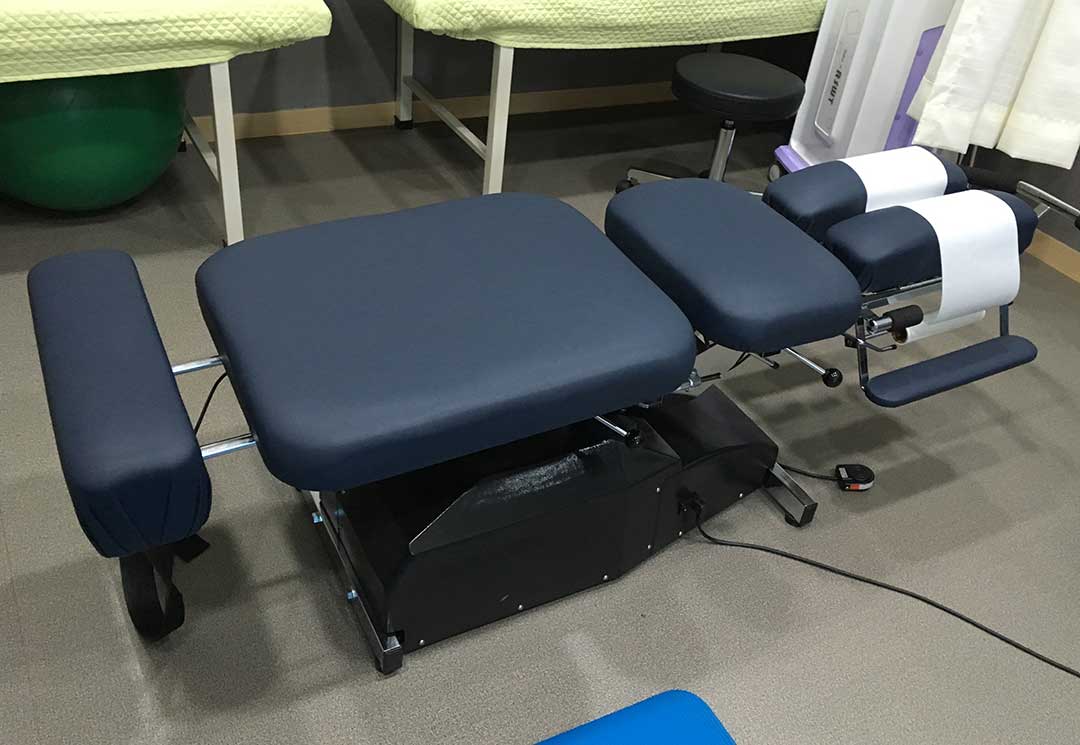
Hold stretches comfortably rather than forcing a deep range. Breathing normally is helpful, and frequent light movement is generally more tolerable than one intense stretching session after many hours of inactivity.
Strength also matters. Gradual strengthening of the legs, hips, abdomen, and upper back can make ordinary sitting and standing less demanding. Anyone with a known spinal condition, recent injury, or significant weakness should use extra caution with new exercises.
Can changing the couch or bed setup reduce pain?
Yes. Many people work or watch screens from a couch because it is convenient, but soft cushions can allow the pelvis to slide forward and the back to round. A laptop placed on the lap may also bring the head and shoulders down for extended periods.
If using a couch, place both feet on the floor and support the lower back with a cushion or rolled towel. Keep the screen at a height that does not require constant bending of the neck. For longer tasks, a table or desk is usually easier to adjust than a low coffee table.
Screen use in bed can create similar problems. Propping the head and upper body with multiple pillows may leave the neck bent forward. A brief reading or viewing period may be comfortable, but working for hours in bed often makes it harder to maintain a balanced position.
When is back pain a reason to seek medical evaluation?
Back pain that is mild and clearly related to prolonged sitting often improves with movement, position changes, and reduced strain. Medical evaluation is more urgent when pain follows a serious injury or occurs with warning signs such as:
- New loss of bladder or bowel control
- Numbness around the groin or inner thighs
- Significant or worsening weakness in an arm or leg
- Severe pain that does not ease with rest or position changes
- Fever, unexplained weight loss, or unusual fatigue
- Pain that repeatedly wakes a person from sleep
- Symptoms that travel down an arm or leg and continue to worsen
Persistent pain also deserves attention, especially when it interferes with walking, sleep, work, or ordinary household activities. A clinician can help determine whether the symptoms are related to posture and activity or whether another condition needs to be considered.
What is a realistic daily plan?
A useful plan is simple enough to follow on busy workdays:
- Begin the day with a few minutes of walking or gentle mobility.
- Arrange the screen so the body does not need to lean forward.
- Change position every 20 to 30 minutes.
- Stand or walk for at least a few minutes each hour.
- Use phones at a higher viewing position when practical.
- Reserve couches and beds for shorter periods of screen use.
- Stop or modify any movement that produces sharp or radiating symptoms.
Reducing back strain does not require eliminating screens. It usually involves making screen use more active, more varied, and less concentrated in one position.
