
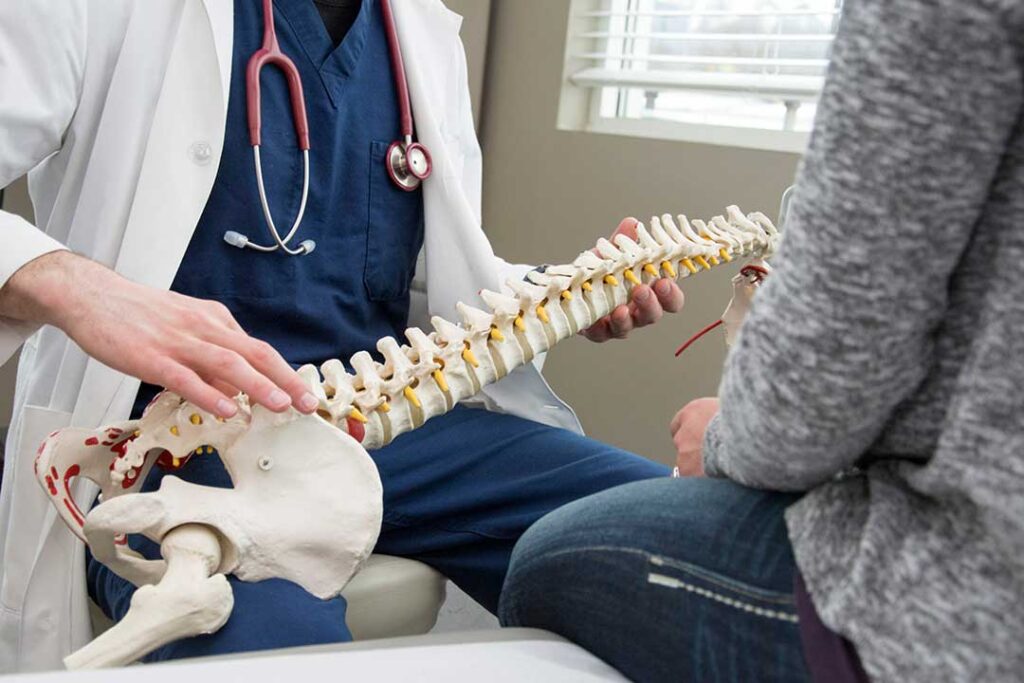
Children and students spend many hours sitting for schoolwork, reading, drawing, gaming, and using tablets or computers. Poor positioning does not automatically cause injury, but long periods in awkward postures can contribute to neck discomfort, back pain, headaches, tired eyes, and reduced concentration.
For families in Lynbrook, NY, practical ergonomic habits can make homework areas, bedrooms, and shared living spaces more comfortable. The goal is not perfect posture every minute. It is creating a setup that supports movement, changes position, and fits the child’s size.
What does good posture look like for a child?
Good posture allows the head, shoulders, back, hips, and legs to remain reasonably supported without stiffness or strain. A child should be able to sit comfortably while keeping both feet supported and the work surface close enough to avoid leaning forward.
A useful seated position includes:
- Head balanced over the shoulders rather than pushed toward the screen
- Shoulders relaxed instead of lifted or rounded tightly
- Elbows resting near the sides of the body
- Forearms supported when writing or using a keyboard
- Hips positioned toward the back of the chair
- Knees bent comfortably, usually near a right angle
- Feet resting on the floor or on a stable footrest
Children naturally move while they work. Shifting position, leaning briefly, or sitting cross-legged is not automatically harmful. Problems are more likely when a child remains in one strained position for a long time or repeatedly works with the neck bent sharply downward.
How should a homework space be arranged?
The chair and desk should match the child as closely as possible. A desk that is too high may cause raised shoulders, while a chair that is too deep may prevent the child from sitting against the backrest.
Check the setup from the side:
- The top of the work surface should allow the shoulders to remain relaxed.
- The child’s elbows should be close to the height of the desk or keyboard.
- The chair should support the back without forcing the child to lean away from the work.
- Feet should not dangle for extended periods.
- Books and papers should be close enough to read without repeated forward bending.
If the only available table is adult-sized, a stable cushion or foot support can improve the fit. The support should not slide, tip, or create a tripping hazard. A stack of loose books is less suitable than a sturdy, flat platform.
A child does not need an expensive workstation. A properly adjusted chair, a clear surface, adequate lighting, and regular movement often matter more than specialized furniture.
Where should a computer, tablet, or phone be placed?
Screens should be positioned so the child can see them without bending the neck sharply downward. For a computer, the monitor should generally be directly in front of the user, close enough to read without leaning forward. The upper portion of the screen can be near eye level, although younger children may need a somewhat lower position depending on their height and activity.
Tablets and phones are more difficult because they are often held in the lap. Extended downward viewing can increase strain in the neck and upper back. A stand or angled support can raise the screen, especially for reading, drawing, or video lessons.
Children should avoid twisting the head to view a screen placed far to one side. If a screen is used for a shared activity, reposition the device rather than asking the child to keep turning the neck.
For keyboard and mouse use, the hands should remain close to the body, with the wrists in a relatively neutral position. A child who must reach forward or lift the shoulders to use the keyboard may need the equipment moved closer or lowered.
How often should students take breaks?
Frequent brief movement breaks are more useful than waiting until discomfort develops. A child may stand, walk, stretch, change tasks, or look across the room for a short period every 20 to 30 minutes during concentrated screen or desk work.
Breaks can include:
- Walking to get water
- Standing while reviewing notes
- Stretching the arms overhead
- Rolling the shoulders gently
- Looking out a window or across the room
- Switching between writing, reading, and hands-on activities
The purpose is to interrupt prolonged sitting and close visual focus. Breaks do not need to be long or disruptive. A minute or two of movement can help reset attention and reduce the tendency to slump.

Outdoor play and active time also support general strength, coordination, and endurance. In homes where winter weather or limited indoor space affects routines, short movement periods indoors can still be useful.
What ergonomic habits help with backpacks?
A backpack should fit the child’s body and be worn over both shoulders. Carrying it on one shoulder can make the child lean or hike one shoulder repeatedly.
Helpful habits include:
- Adjusting straps so the backpack rests close to the back
- Keeping the heaviest items near the middle of the pack
- Removing items that are not needed
- Using a waist or chest strap if the backpack has one and the child finds it comfortable
- Avoiding a load that causes visible leaning, difficulty walking, or shoulder discomfort
A backpack should not hang far below the lower back. If a child regularly reports pain while carrying it, the contents and fit should be reviewed rather than assuming the discomfort is simply part of school life.
Can poor posture permanently damage a child’s spine?
Ordinary slouching does not usually cause permanent spinal damage by itself. Children commonly change posture throughout the day, and posture varies with fatigue, activity, growth, mood, and the task being performed.
Persistent pain, however, deserves attention. Ergonomic adjustments may help, but discomfort can also relate to sports activity, muscle strain, vision problems, sleep, stress, or another health issue. A child should not be expected to tolerate ongoing pain simply because the workstation looks acceptable.
Caregivers should pay attention to pain that:
- Continues after rest or changes in activity
- Interferes with sleep, schoolwork, walking, or play
- Is associated with numbness, tingling, weakness, or unusual clumsiness
- Follows a fall, collision, or other injury
- Keeps returning despite reasonable adjustments
Prompt medical assessment is appropriate for severe symptoms, sudden weakness, loss of bladder or bowel control, significant injury, or pain accompanied by fever or unexplained illness.
How can adults encourage better habits without constant correction?
Children respond better to simple environmental changes than to repeated reminders to “sit up straight.” Adjust the chair, raise the screen, place needed materials nearby, and make movement breaks part of the routine.
Adults can also model varied posture. Standing, walking during pauses, and changing positions show children that ergonomics is not about holding the body rigidly. A helpful reminder might be, “Let’s change positions,” rather than treating one posture as perfect and every other posture as wrong.
A comfortable study area should support the child’s growth, school demands, and daily activity. Regular movement, an appropriately sized setup, manageable backpack weight, and attention to persistent symptoms provide a practical foundation for healthier school and screen routines.
